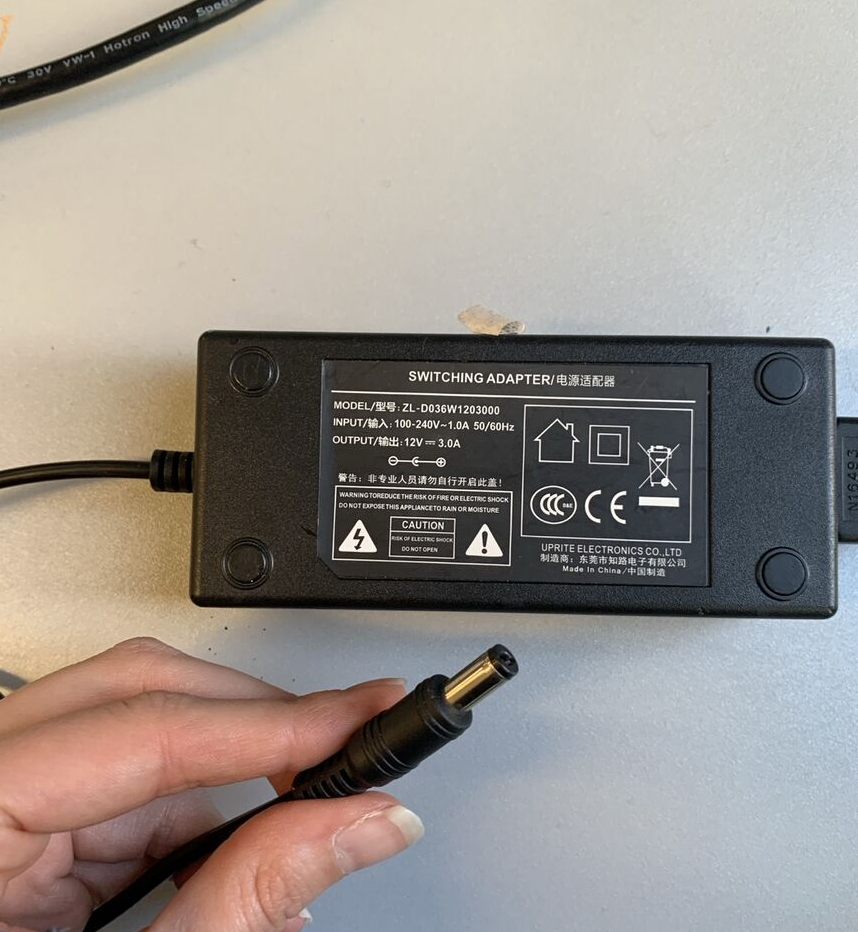
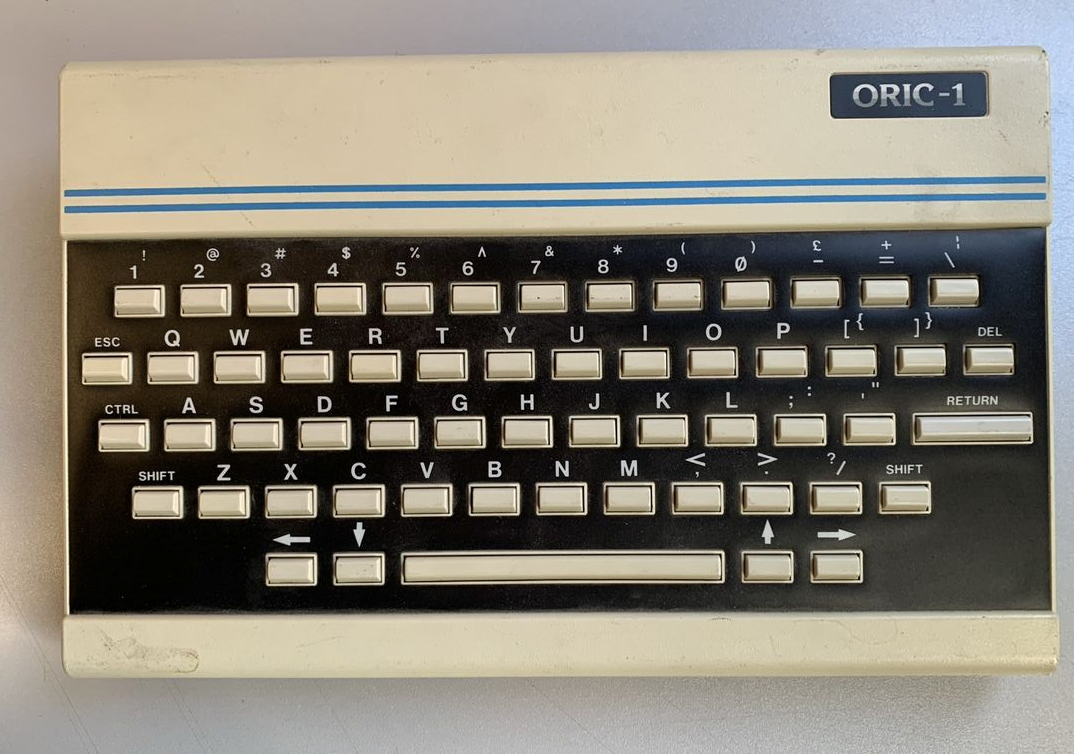
After the Media Lab Workshop(XML Workshop:)) the device I got really stuck with me. Because I didn't know what it was and thought it was just a keyboard. I picked out an ORIC-1 and connected it to power with a random adapter I found in the media lab. I heard sounds coming from it so I wanted to connect it to a monitor and play around.
ORIC-1 :->
So what happened is that first I did a verrrrryyy short research on ORIC-1. I found the manual on archive.org. Here it is if you're curious. This manual really did a number on me... I was so fascinated by the small drawings of ORIC. I was like, okay little guy... I guess I have to make you work.
Process
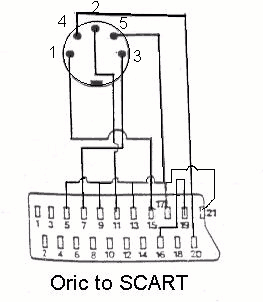
The Cable(ORIC to Monitor)
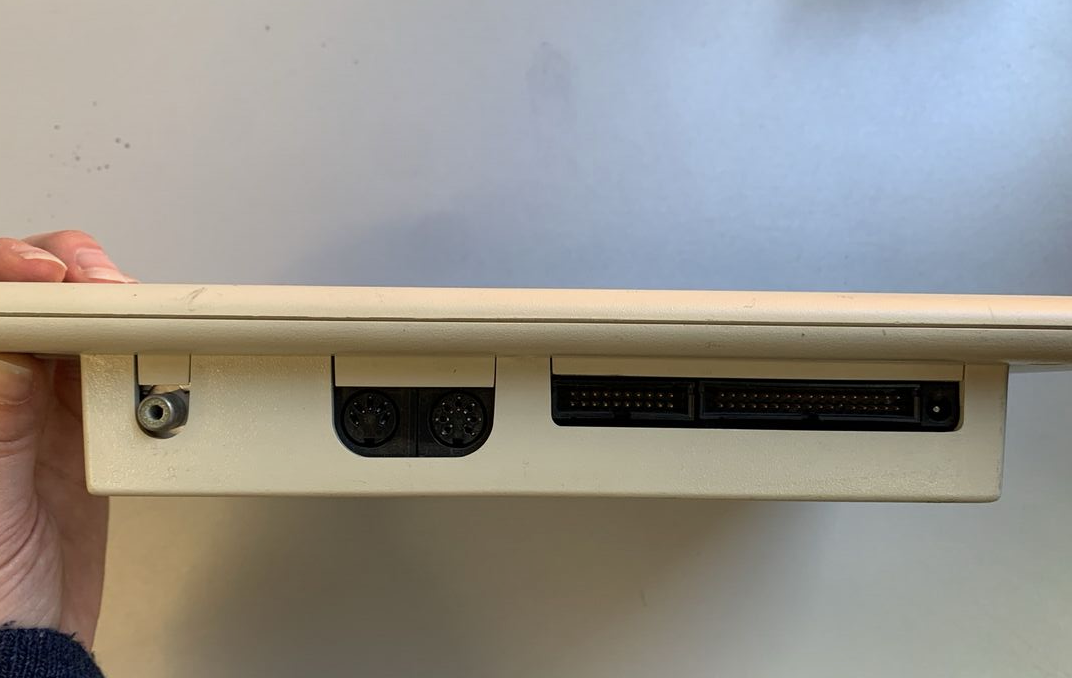
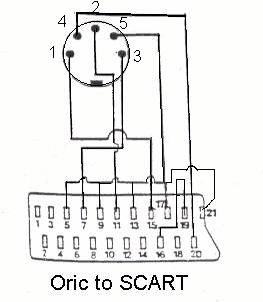
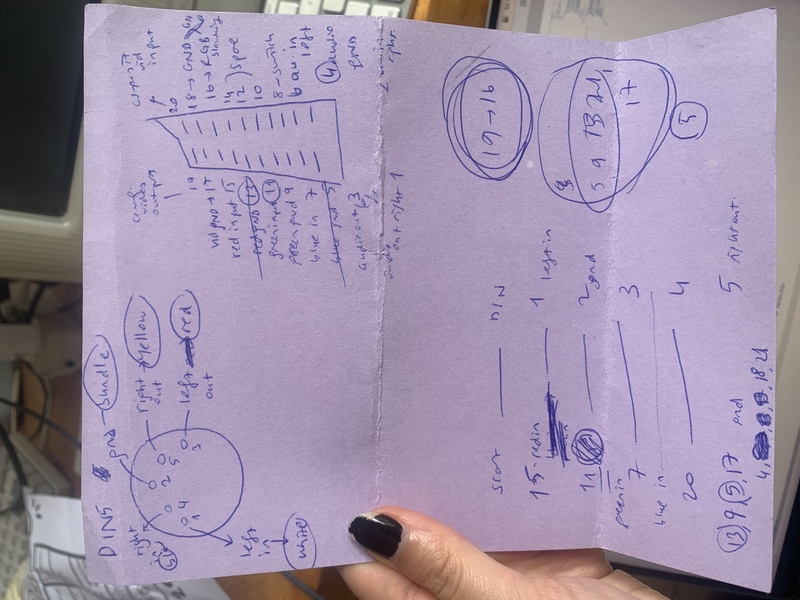
- 15 -> 1
- 11 -> 2
- 7 -> 3
- 20 -> 4
- 13,9,5,17 -> 5
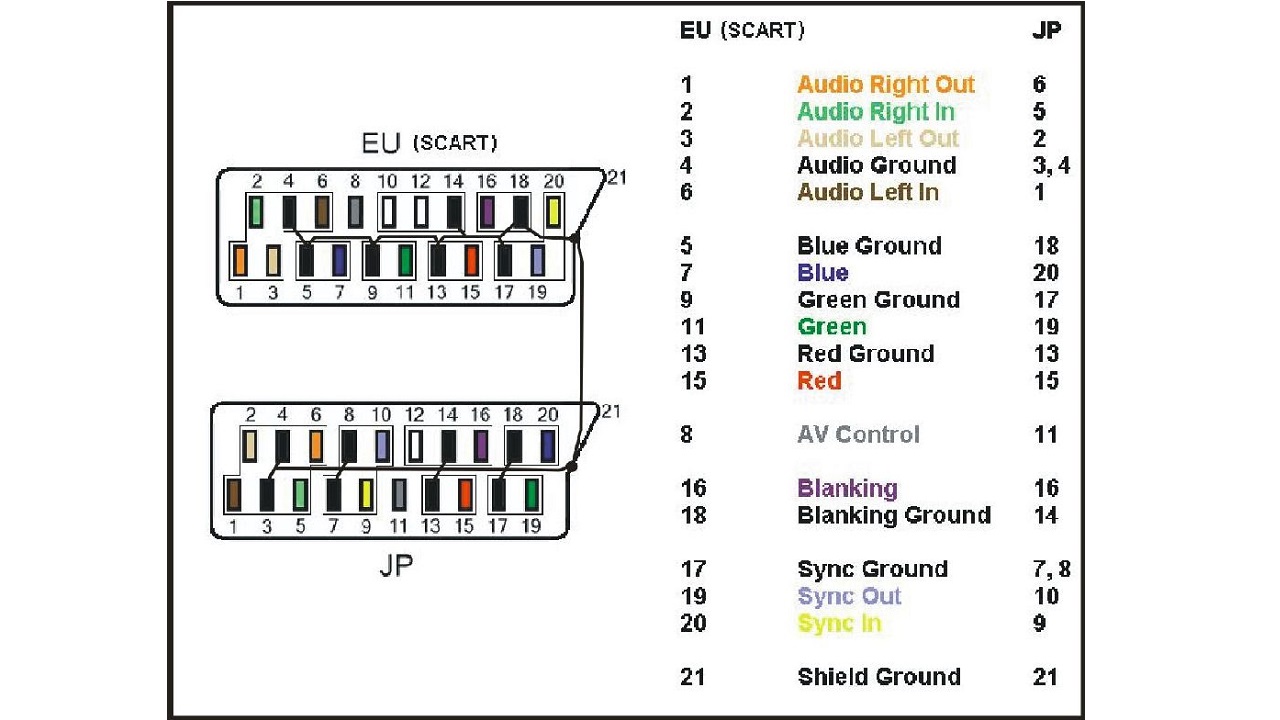
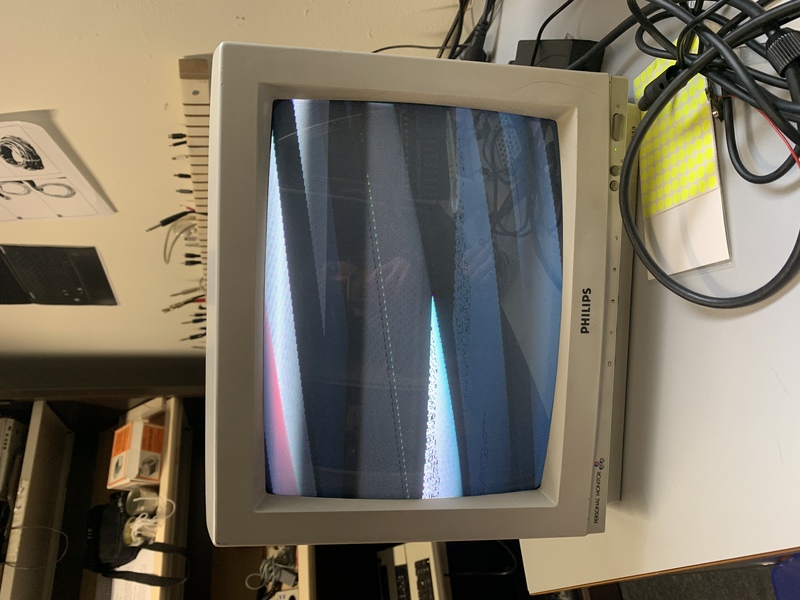
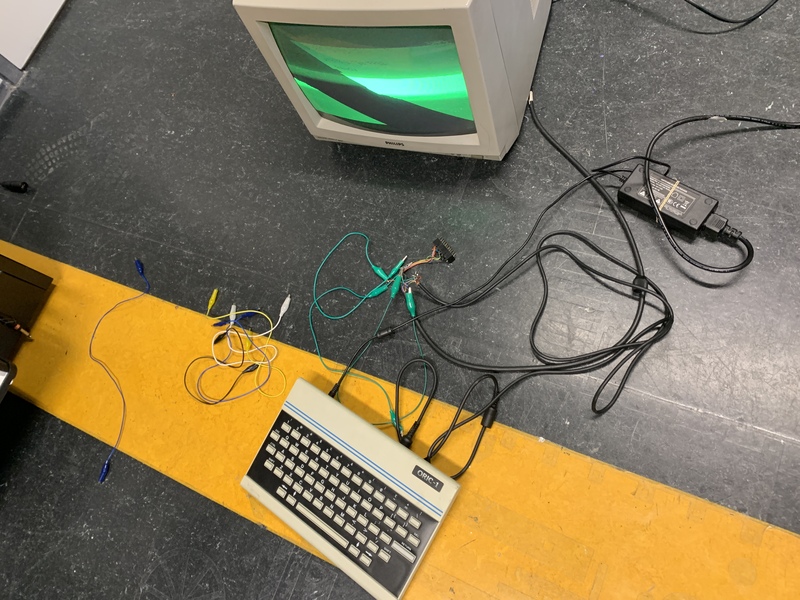
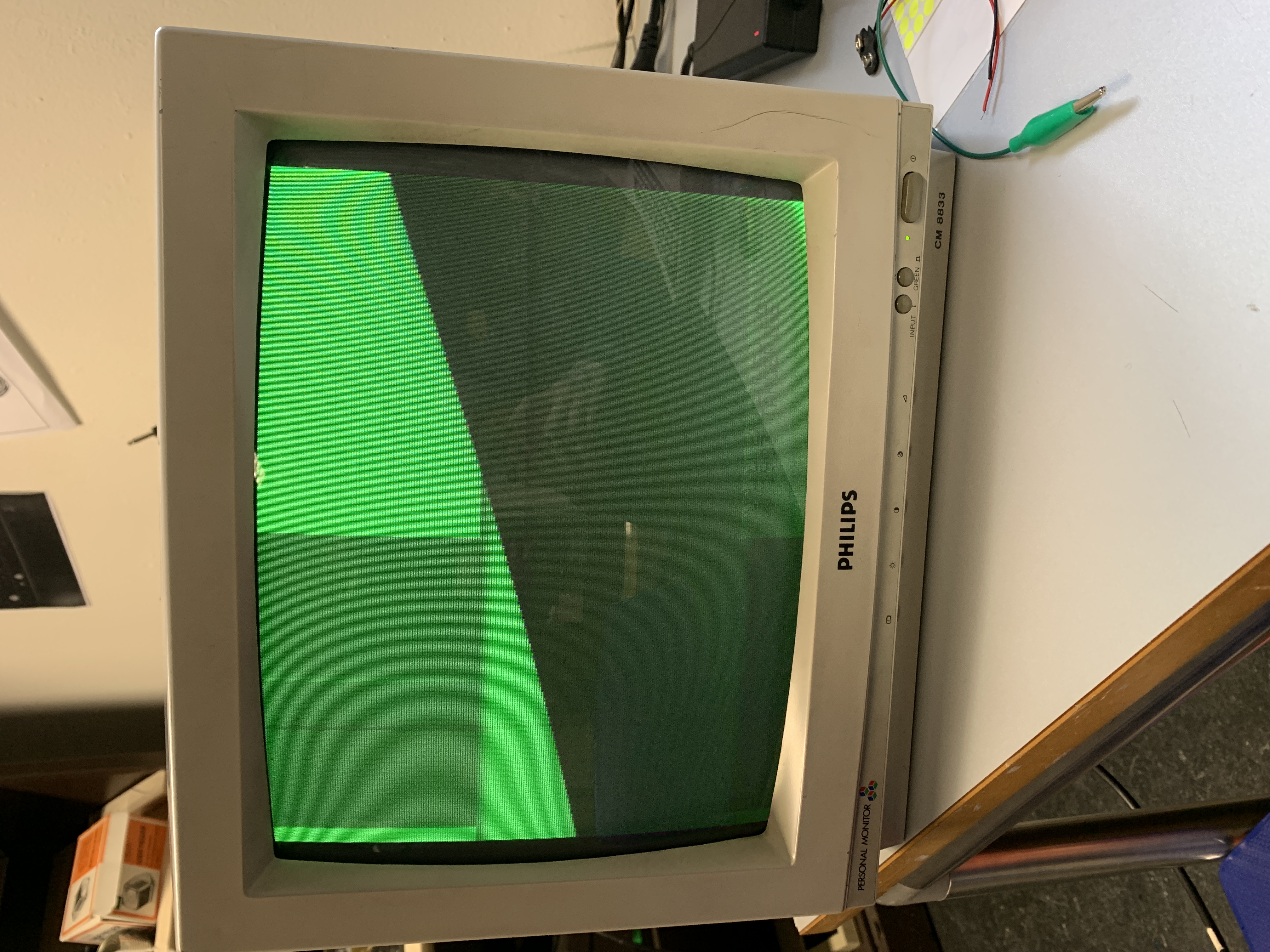
I believe that every ORIC to monitor cable needs some re-config according to the monitors needs. The monitor I had was a very old one that was unused for ages. I checked every other monitor and either none had scart or the rest didn't communicate with the computer at all. At this point I decided to ask strangers for help as one does. the most popular answer was there is a horizontal frequency mismatch and it needs to be adjusted. I don't want to be that person but I obviously checked for this on the monitors already existing settings. Some years ago I used some oscilloscopes for a project and I knew that there would be some adjustment options on the screen. I tried all of them of course. Alas, no luck. I researched online what else could be the problem and found something fascinating. Apparently the horizontal slide error could be because of the Earth's rotational em field. This is outright insane. Here is an example from a redditor Another really interesting possibility was electricity in the walls. It is also possible that if there is a lot of current around the monitor it can lead to this sliding effect.
None of these were fixing my problem. I couldn't even get the white regular screen of oric (I researched online to see how it looks). I told Fred that it only kinda works if I touch the monitor. He said if it is due to me touching, that must be an error of ground cables connection. And he was absolutely right. Really recommend asking your friends about your electrical problems! I decided to learn which are the pins that are labeled ground on the SCART. I wrote them down and tried to touch them to the ground connection I already had from the previous configuration.
-
?
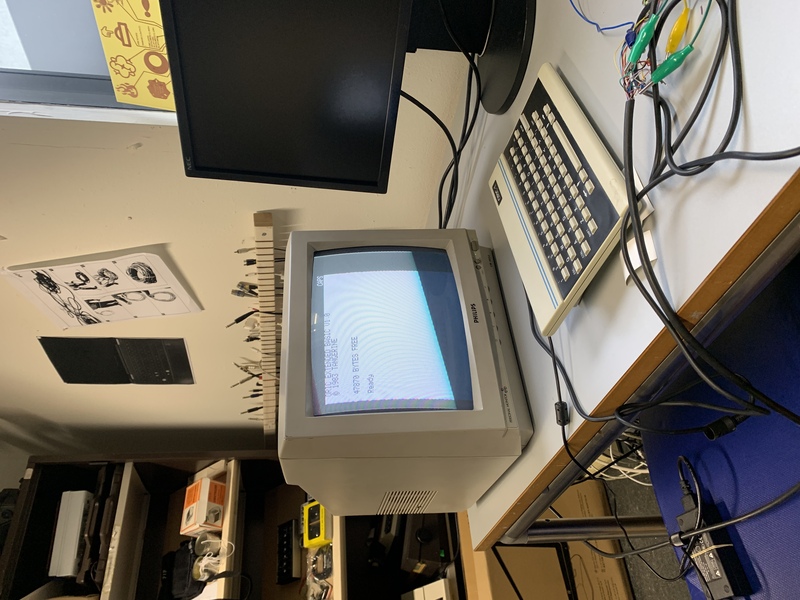
At the end my cable worked! But the monitor still had it's issues. So I left it there :)
All the links/imgs I saved during my ORIC/SCART/PhillipsCM8833/DIN Journey
- Oric 1
- "Wobble" in PC CRT image : r/crtgaming
- Oric 1 and Atmos RGB Scart Powered Video Cable
- schema-scart.jpg (JPEG Image, 600 × 451 pixels)
- doc-tec-2000.jpg (JPEG Image, 2000 × 970 pixels) — Scaled (47%)
- oric broken tv-out and rgb output
- scart.gif (GIF Image, 263 × 302 pixels)
- Leads Direct | Din & Midi Wiring
- Reddit - https://preview.redd.it/homemade-scart-adapter-for-c64-and-vic-20-v0-2fit188ppry11.jpg?width=1181&format=pjpg&auto=webp&s=500504c1ab21c1d00ac344d3713bd907e41f7925
- C64scart.gif (GIF Image, 1966 × 1042 pixels) — Scaled (48%)
- Proper C64 S-Video | CommodoreServer.com
- [Help] Grounding RBG Lines on DIY SCART : r/crtgaming
- Ground in scart cables - Page 1
- Composite monitor (5-pin DIN 41524) - MSX Wiki
- Scart cable for the HAS | Arcade-Projects Forums
- Scart Pinout Diagram » Diagram Board
- Cable-Peritel-800xl-Scart-PAL-NTSC.jpg (JPEG Image, 613 × 398 pixels)
- Philips8802-8833_Manual.pdf
- CM8833 - Philips CM8833.pdf
- Shiva - Games to play on your Oric : Shiva Publishing : Free Download, Borrow, and Streaming : Internet Archive
- TinyBasic (ZX Spectrum) by Matthew Begg by BASIC 10Liner
- BASIC - Wikipedia